# Account Registration
### Creating Your Account
#### First Launch
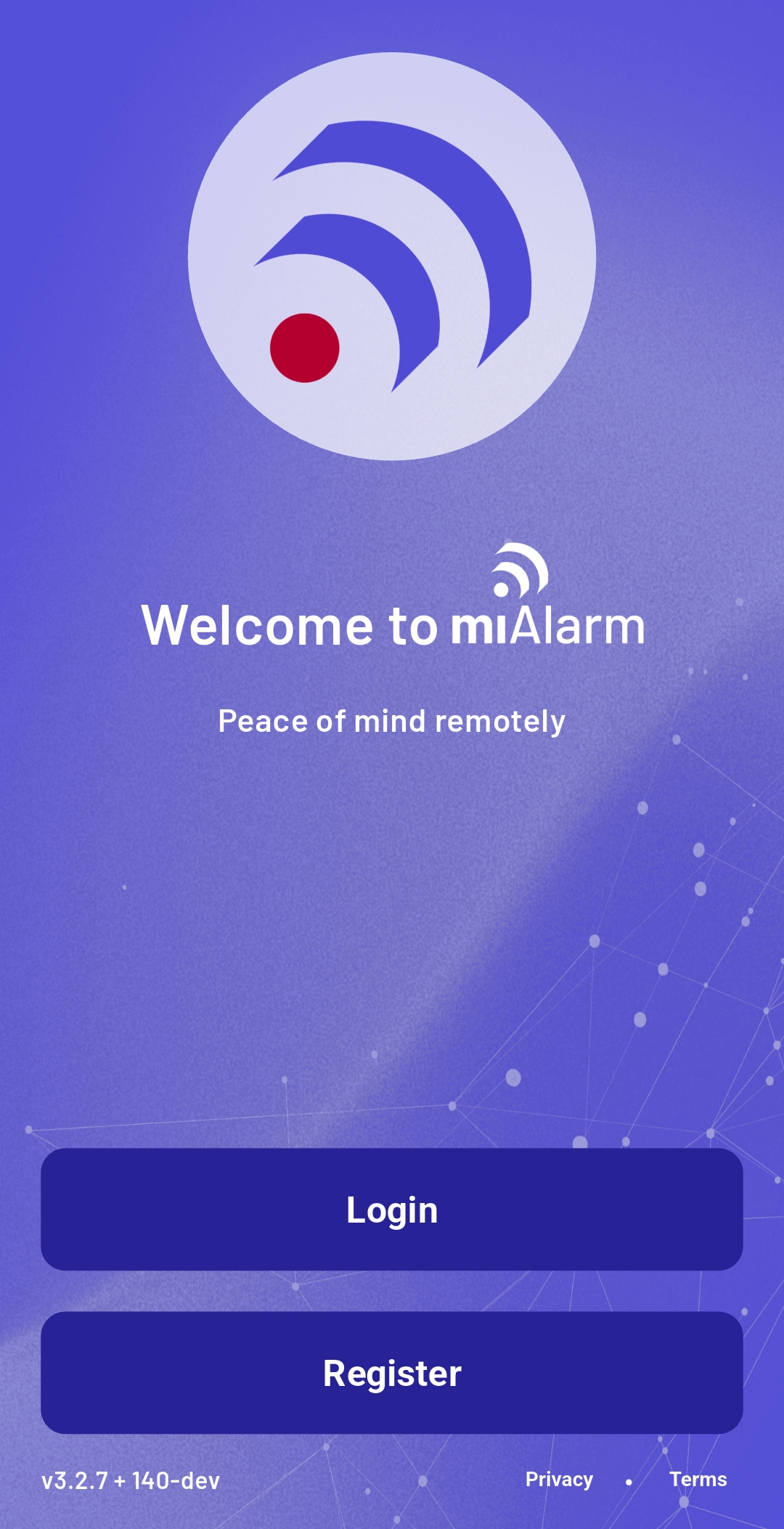
When you open miAlarm for the first time, you'll see a welcome screen with two options:
- **Login** - For existing users
- **Register** - For new users
 #### Registration Process
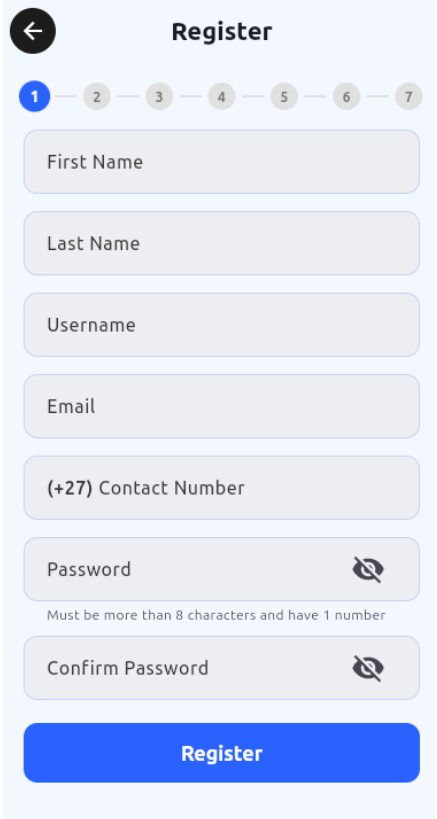
Select "Register" and provide the following information:
1. **Personal Details**
- First Name
- Last Name
- Username (this will be your login ID - choose carefully)
- Email Address
- Contact Number
#### Registration Process
Select "Register" and provide the following information:
1. **Personal Details**
- First Name
- Last Name
- Username (this will be your login ID - choose carefully)
- Email Address
- Contact Number
 3. **Security Credentials**
- Password (must include at least one number and one uppercase letter)
- Confirm Password
4. Complete registration by tapping "Register"
**Important Considerations**:
- Each email address and phone number can only be used for one account
- Your username cannot be changed after registration
- Store your password securely - you'll need it for future logins
- Create a unique profile per user to avoid any notifications not arriving.
---
3. **Security Credentials**
- Password (must include at least one number and one uppercase letter)
- Confirm Password
4. Complete registration by tapping "Register"
**Important Considerations**:
- Each email address and phone number can only be used for one account
- Your username cannot be changed after registration
- Store your password securely - you'll need it for future logins
- Create a unique profile per user to avoid any notifications not arriving.
---