# First Connection
### Connecting to Your Device
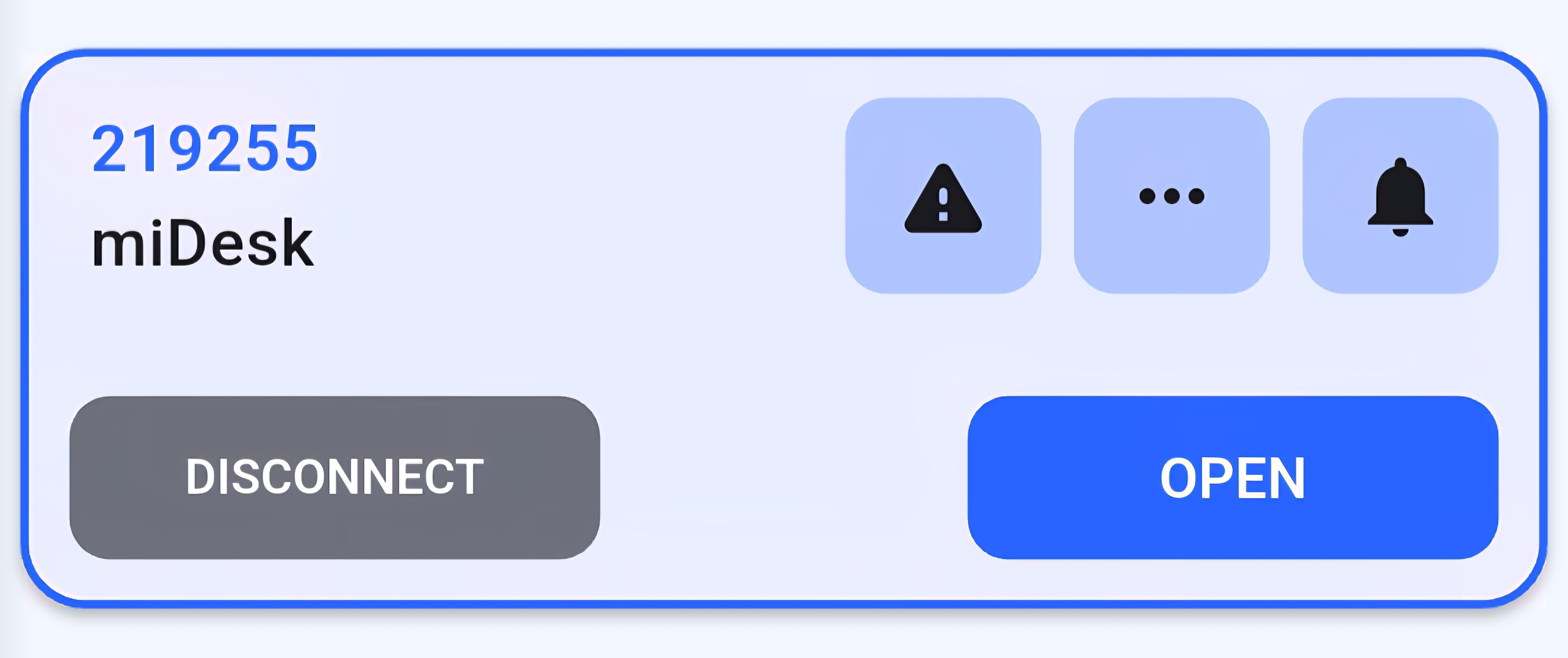
Once authorized, your device appears on the home screen showing:
- Device name
- Unit ID
- Connection status
- "Open" or "Connect" button
 #### Making Your First Connection
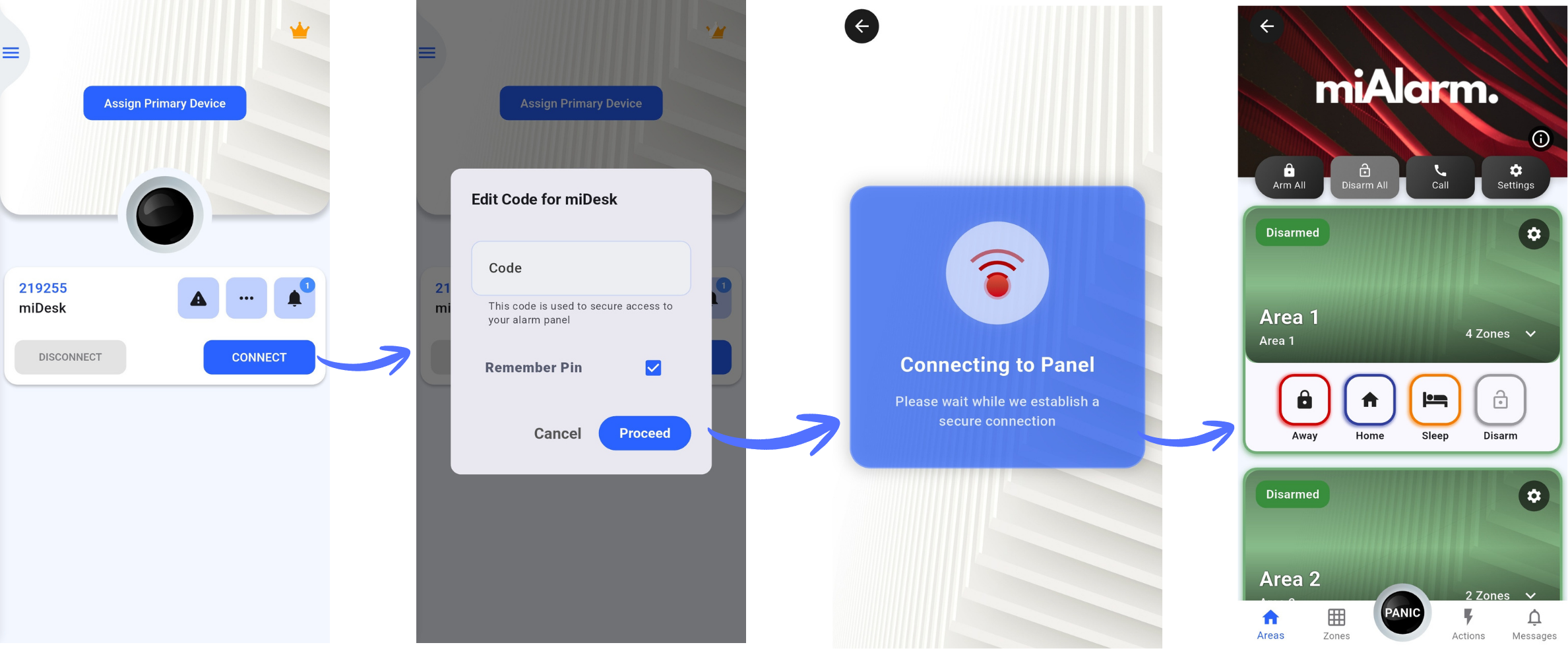
1. Tap "Open" on your device tile
2. If prompted, enter your 4-digit user code
3. Wait for the connection to establish (you'll see a loading screen)
4. Once connected, you'll have full access to monitor and control your alarm system
#### Making Your First Connection
1. Tap "Open" on your device tile
2. If prompted, enter your 4-digit user code
3. Wait for the connection to establish (you'll see a loading screen)
4. Once connected, you'll have full access to monitor and control your alarm system
 **Connection Tips**:
- Ensure your alarm unit has power and network connectivity
- The unit should show a green network status light
- If connection fails, verify your user code is correct
---
### Next Steps
Now that you're connected, explore these essential features:
- **Set a Primary Device**: For quick access from the home screen
- **Configure Notifications**: Customize which alerts you receive
- **Add Emergency Contacts**: Set up quick access to important numbers
- **Explore Your Panel**: Familiarize yourself with zones and areas
---
**Connection Tips**:
- Ensure your alarm unit has power and network connectivity
- The unit should show a green network status light
- If connection fails, verify your user code is correct
---
### Next Steps
Now that you're connected, explore these essential features:
- **Set a Primary Device**: For quick access from the home screen
- **Configure Notifications**: Customize which alerts you receive
- **Add Emergency Contacts**: Set up quick access to important numbers
- **Explore Your Panel**: Familiarize yourself with zones and areas
---